Search intent is one of the most important ranking factors.
If you can’t satisfy the intent of your users, your website is probably never going to hit the #1 page.
This is the most comprehensive guide to search intent on the web.
Today, you’ll learn:
- What is search intent?
- Why is search intent important for SEO?
- Best practices for mapping content to search intent
Let’s dive right in.
What Is Search Intent?
Search intent is the main goal behind a user’s search. It is also known as Keyword Intent, User Intent, Audience Intent, and Query Intent.
It’s a pretty simple topic to understand. But SEO folks make it hard to understand. Maybe because they want to sound smart.
I’ll make it super simple with an example.
Picture this, you’re visiting Switzerland. And you’re staying in a hotel, but the hotel serves terrible coffee.
Now, what would you do?
You’d take your mobile phone and search on Google for “coffee shop near me” or “cafe near me”.
Right?
You’ll see a list of nearby cafes.
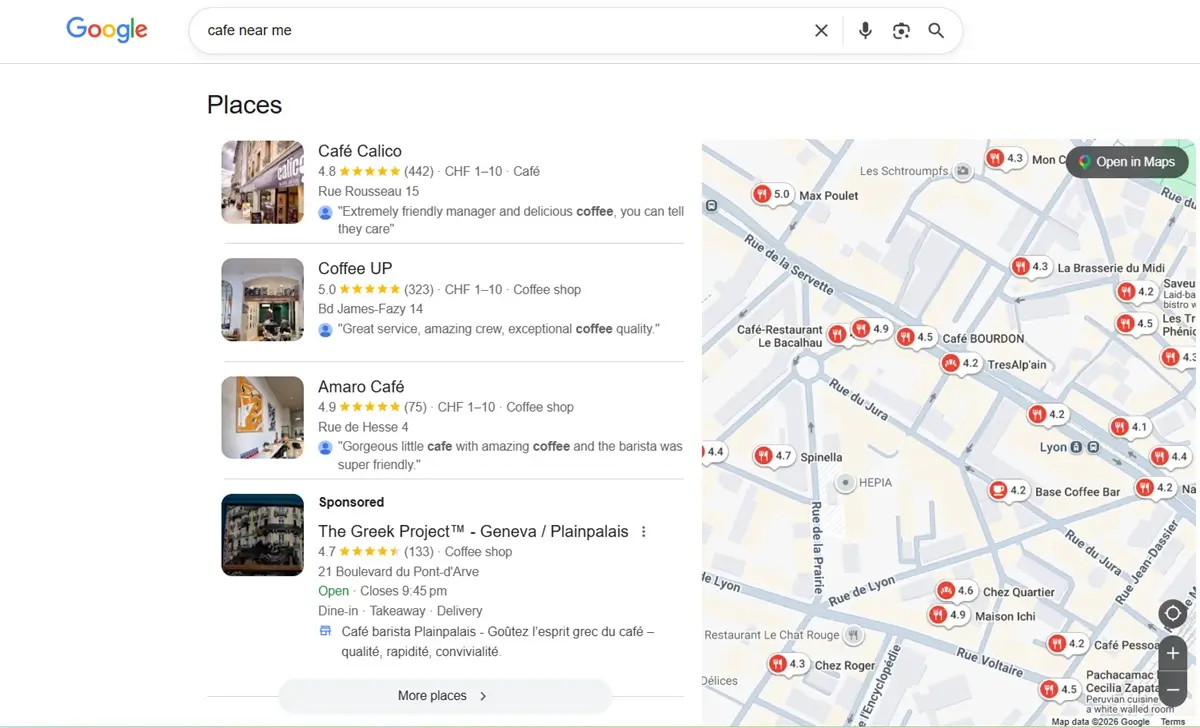
And then you look for the reviews and book a table at a nearby coffee shop.
Google is showing Google Business Profiles (Map Pack). These cafes have created and optimized their Google Business Profiles.
Google calls it “Visit-in-Person Query.”
Why Is Search Intent Important?
Search engines like Google want to serve what users are looking for. If users don’t find what they are looking for, they will stop using Google. And Google never wants this.
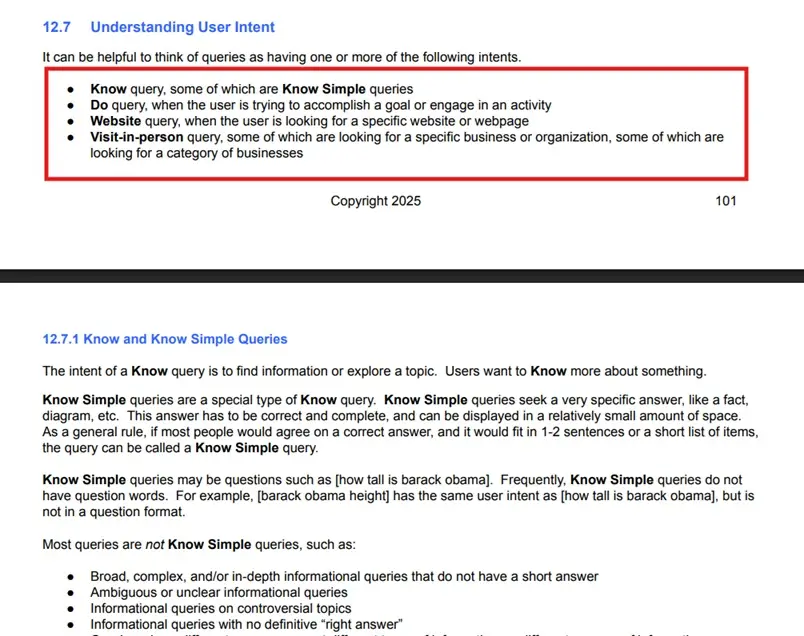
So Google and other search engines try their best to serve the users. In fact, Google has a whole section on user intent in their Search Quality Raters Guidelines.
If you want to show up higher on Google, you need to understand how search intent works. And how to satisfy search intent.
I typed “homemade cookies” on Google.
Google is showing recipes.
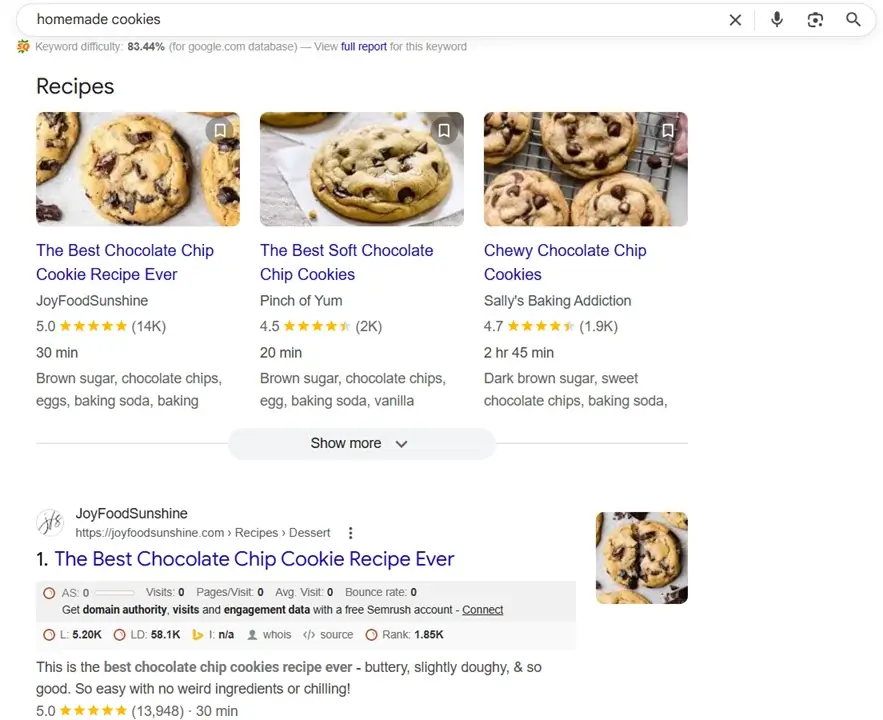
If I want to rank for this keyword, I’ll create recipe blog content on my website. Creating a product page or collection page will not help me rank on the #1 page.
4 Types Of Search Intent
To understand the search intent better, you need to know the types of search intent.
Let’s see the 4 types of search intent.
The 4 types of search intent are:
- Informational
- Navigational
- Transactional
- Commercial
I’ll explain each type of search intent with examples.
Informational Search Intent
As the name says, these users are looking for information.
Users want to look for information, want to learn something, or look for an answer.
Informational keywords start with or contain these words:
- How
- What
- Why
- Who
- When
- Where
- Guide
- Tutorial
- Tips
- Advice
- Best Practices
- Definition
- Meaning
- Facts
- Statistics
Here are some examples of informational keywords:
- How To Do Keyword Research
- What is SEO
- Who is the founder of Amazon
- Beginner’s Guide to Digital Marketing
- SEO Tips
- Content Marketing Best Practices
I Google for “Blogging Statistics 2026”.
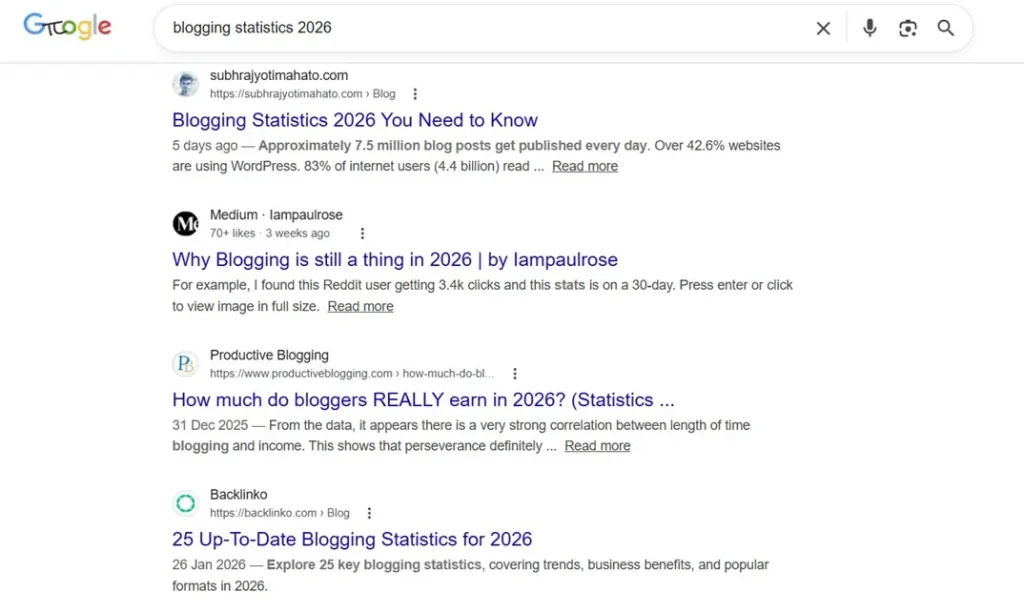
And you can see my blog post is ranking on the #1 page. Because this post satisfies the search intent.
Navigational Search Intent
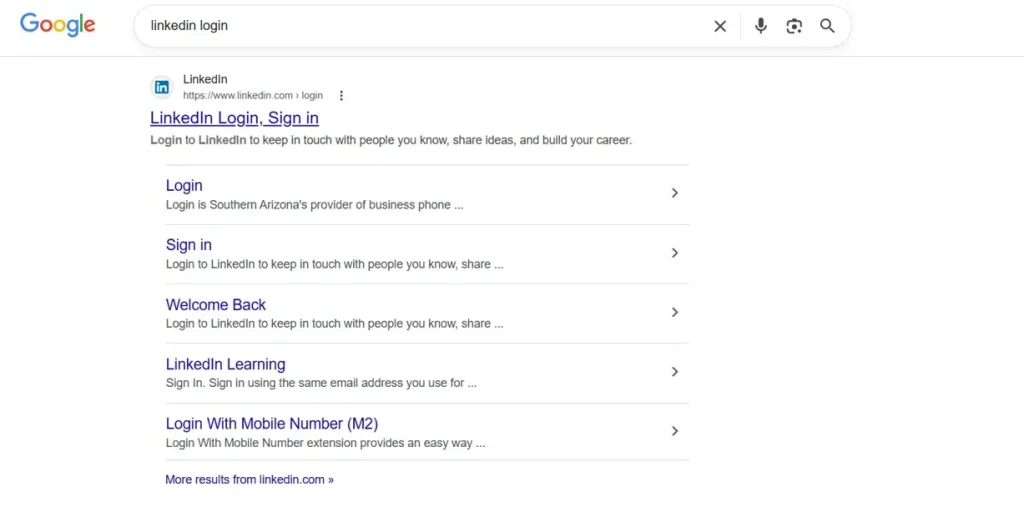
When a user wants to visit a specific page or website, they use navigational keywords.
Some examples:
- NASA
- YouTube
- Gmail login
- LinkedIn login
If you build a brand, people might search for your brand to land on a specific page.
Transactional Search Intent
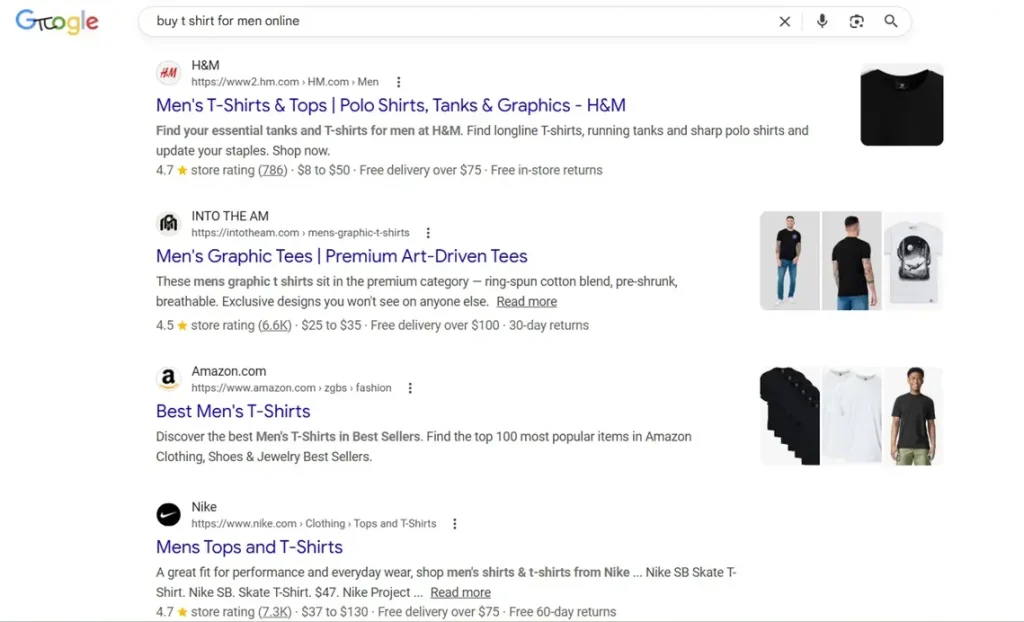
As the name suggests, when someone is looking to buy a product or service. In layman’s words, these people are ready to swipe their credit cards.
In the Search Quality Evaluator Guidelines, these kinds of keywords fall under the “Do Query” category.
Transactional intent keywords start with or contain:
- Buy
- Purchase
- Order
- Shop
- Cost
- Pricing
- Cheap
- Affordable
- Discount
- Free Trial
Some examples:
- Buy t-shirts for men online
- Cheap domain name
- Semrush free trial
Commercial Search Intent
Commercial intent is quite interesting. When users are researching and comparing products or services.
Users are interested but not yet ready to buy. These users have decided to buy a solution, but they’re not yet sure which one.
These terms are indicators of commercial intent:
- Best
- Alternatives
- Top
- Vs
- Review
- Pros and Cons
Some examples are:
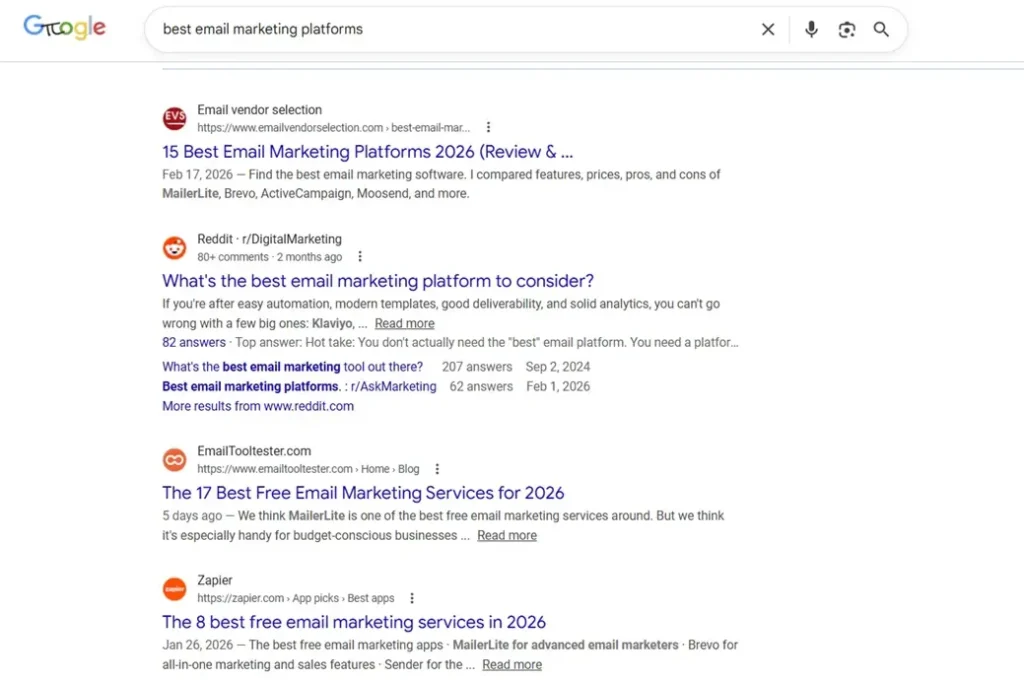
- best email marketing platforms
- Salesforce alternatives
- Bluehost review
I Googled “best email marketing platforms”. You can see most of the pages with the “best” posts.
User Intent Types According To Google
Google published the Search Quality Rater Guidelines. In this guide, they talk about 4 types of queries.
How To Identify the Intent Behind a User’s Search
You need to identify and understand the intent behind a user’s search. Otherwise, you’ll struggle to create content that ranks higher on Google.
Below, I’m going to share how to determine search intent for any keyword.
Analyze the Top 10 Results on Google
When you search for any term on Google, it shows you 10 results (10 blue links). These 10 results satisfied the search intent.
That’s the reason those pages are ranking on the #1 page of Google.
You need to analyze what these pages have in common.
Hop onto Google and search for the keyword. I searched “Digital Marketing”. As you can see, most of the pages are a super detailed guide.
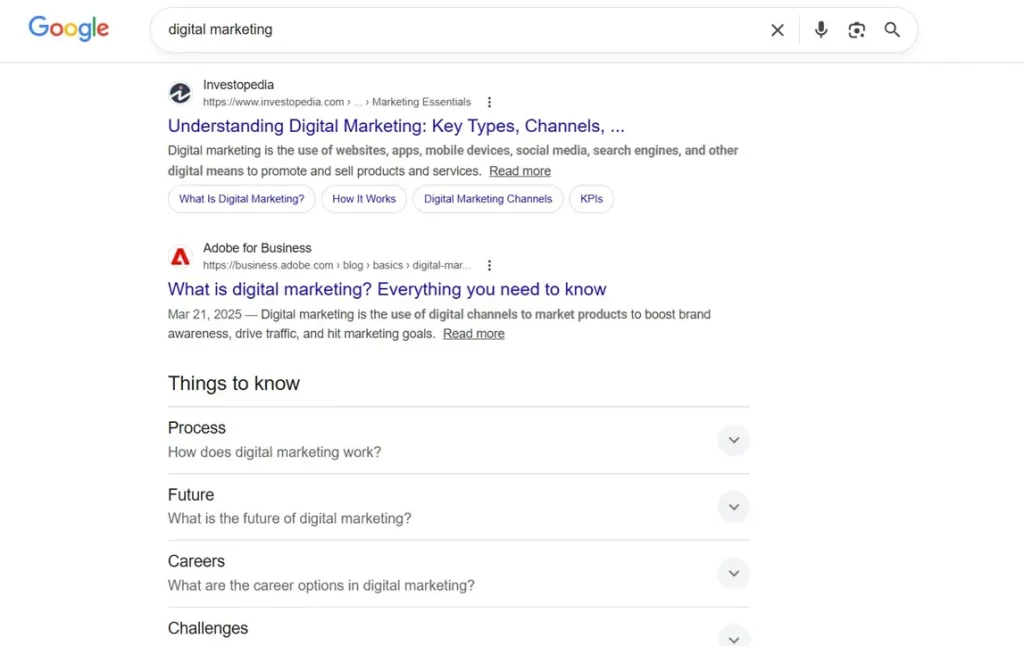
I need to create a super detailed post on digital marketing to rank for this keyword.
Sometimes Google can show you different types of results for the same keyword.
Let’s understand this with an example.
I Googled “best SEO tools”. You can see that 3 results are “best” list posts. And a home page is ranking for the keyword.
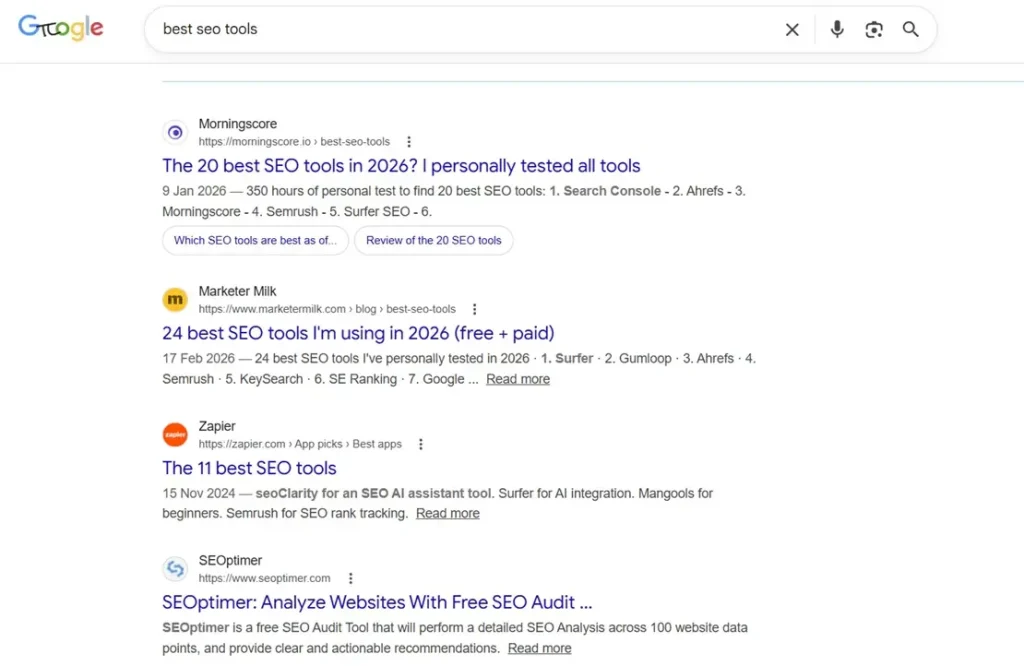
It can be confusing sometimes.
Because some pages are listicles, and one page is a website’s home page.
In these scenarios, you need to go with the majority. Look for all 10 pages. And go with the majority.
If most of the pages are listicles, you need to create a listicle to hit the #1 page.
Search Intent Checker Tools
Most keyword research tools tell you the intent of a keyword. You don’t need a dedicated search intent checker tool.
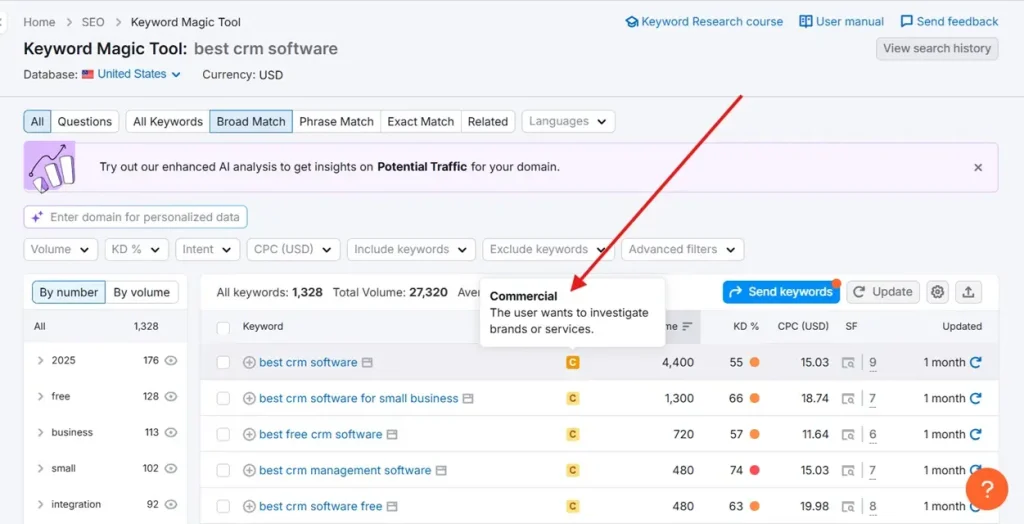
When you type any keyword in a keyword research tool, it shows you the intent.
I use Semrush. You can use any other tool.
If you’re using Semrush, navigate to the Keyword Magic Tool and enter any keyword.
How To Optimize For Search Intent
Once you understand the intent, it’s easy to optimize.
You need to serve what people are searching for.
Simple.
Let’s see the best practices for mapping content to user intent.
Make Your Content Easy to Scan
You need to make your content easy to understand and easy to read. And easy to scan.
Now most of the people use their mobiles. So you need to optimize for mobile devices.
Here are some tips to make your content easy to digest:
#1 Tip: Use Subheadings
Subheadings can help you chunk your content. Think of this as a chapter in a book.
Can you imagine reading a book without chapters? Yes. You can imagine.
But it will be hard to read the book. Because chapters tell you what you can expect in a particular section.
When you use subheadings in your blog post, it helps the readers and the search enginerch engines understand the content better.
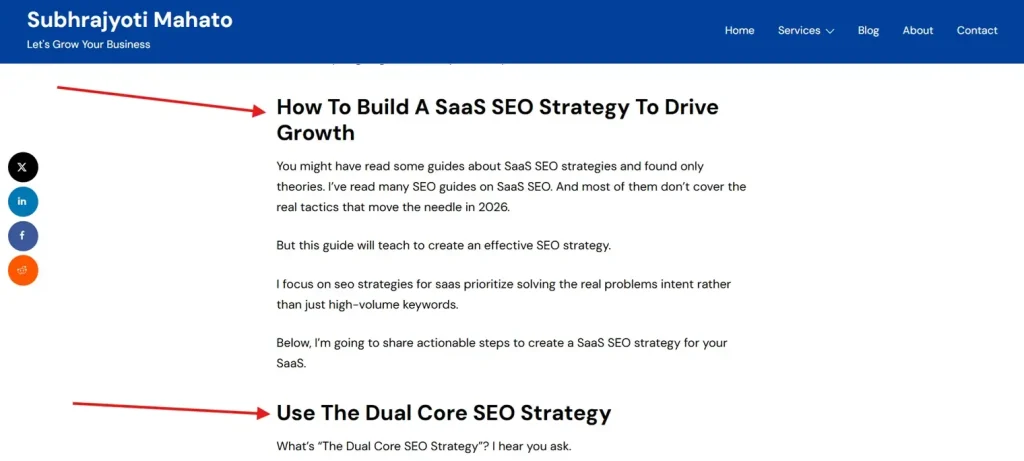
You can see how I’ve used subheadings in the SaaS SEO post. It’s a super detailed blog post. So I’ve used many subheadings to chunk the blog post.
#2 Tip: Write Short Sentences
You need to make your content look clean. Nobody likes to read messy content.
Write short sentences. Short paragraphs.
Don’t obsess over making it short or long. The goal here is to make your content easy to read.
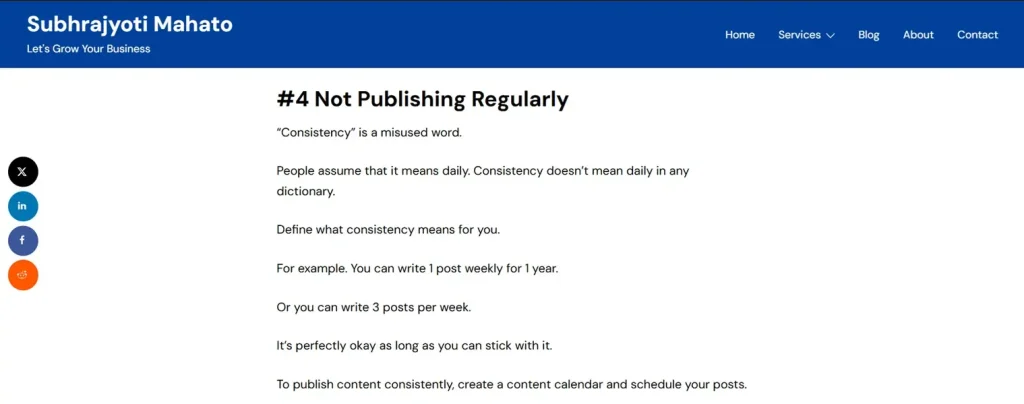
You can see how I use short sentences.
#3 Tip: Use Simple Language
Most people try to sound smart. They use technical jargon and complex language to do that.
And it’s a terrible mistake people make.
You’re not writing for content for scientists. You’re writing for regular people.
Keep it simple.
Here’s an example:
Complex: Circadian rhythm disruption, often precipitated by exogenous blue light exposure, inhibits the endogenous secretion of melatonin, thereby compromising sleep architecture and resulting in daytime cognitive impairment.
Simple: Looking at your phone at night stops your brain from feeling sleepy, which makes you tired and grumpy the next day.
Which version is easy to understand and digest?
The answer is obvious.
#4 Add Multimedia
Unless you’re a bookworm, you won’t like text-only posts.
And most people are not bookworms.
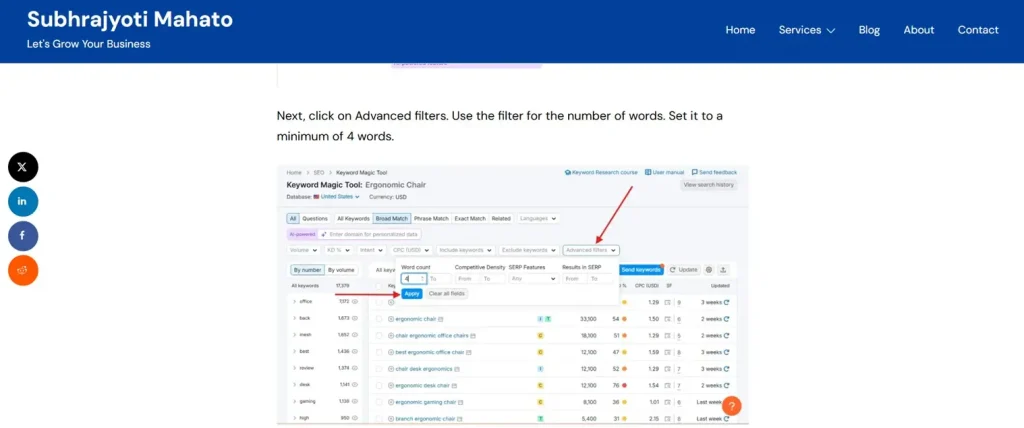
Using multimedia can help explain complex topics. You need to use images, screenshots, infographics, and videos.
Frontload Valuable Information
Everybody is busy. Some are working. Some are scrolling. Some are doing both.
I mean, now people have so many options. If you want them to read your content, you need to show the value at the beginning of the post.
Because they are tired of seeing so much content. You need to do something super valuable to grab their attention.
If you can grab your users’ attention, they’ll read your content.
And they might take your desired action, like booking a call or buying your products.
Improve User Experience
Toptal found 88% consumers are less likely to return to a website after a bad experience.
Having a good user experience helps users engage once they land on your website.
You need to provide a good user experience to your users. So they engage with your website and keep coming back.
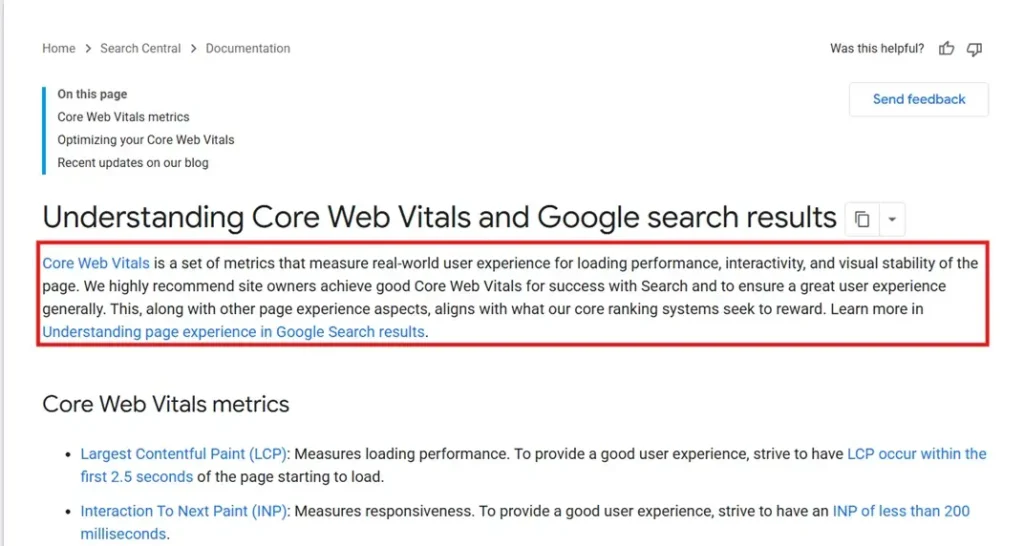
Google recommends maintaining good Core Web Vitals to provide a great user experience.
Some tips to improve user experience:
- Improve your page load speed
- Use simple and clear navigation
- Make sure your website is mobile-friendly
- Have white space to let your content breathe
Find and Fulfill Content Gaps
If you’re creating what’s already there, it will be hard to outrank your competitors.
If you want to stand out, you need to do something unique. You need to do what others are not doing.
You need to provide more value. You need to be more helpful. You need to share your real experience.
Sometimes you need to go crazy and share an in-depth guide. I mean a 5,000-word blog post.
You can find gaps in the top 10 ranking pages on the SERP. Scan all the pages to find gaps.
Before you find gaps, you need to understand the topic. It will help you find gaps and fill them with useful and valuable content.
If the top results for “how to choose an email marketing software” all explain the features, but none of them provide a comparison checklist, that is a content gap.
By adding that checklist, you fulfill the user’s “Commercial Intent” better than your competitors.
FAQs
Search intent mapping is the strategic practice of aligning your content with the goal behind the user’s query. In simple words, it’s the process of giving users what they’re looking for.
Search intent is the intent behind a user’s search. Understanding it can help you serve what users are searching for.
Smart marketers focus on satisfying search intent. This means creating content that answers a user’s specific question or solves their problem right away. When you give users exactly what they are looking for, you build immediate trust.
Conclusion
You need to understand search intent before creating content. Once you understand it, you can create better content for your brand. As a result, your website will rank on the first page of Google.
Now you can create better content for your users. If your users found your content valuable, chances are Google will show your website higher.
I hope you found this post valuable. If you’ve any questions, comment below. I’ll try my best to help you.